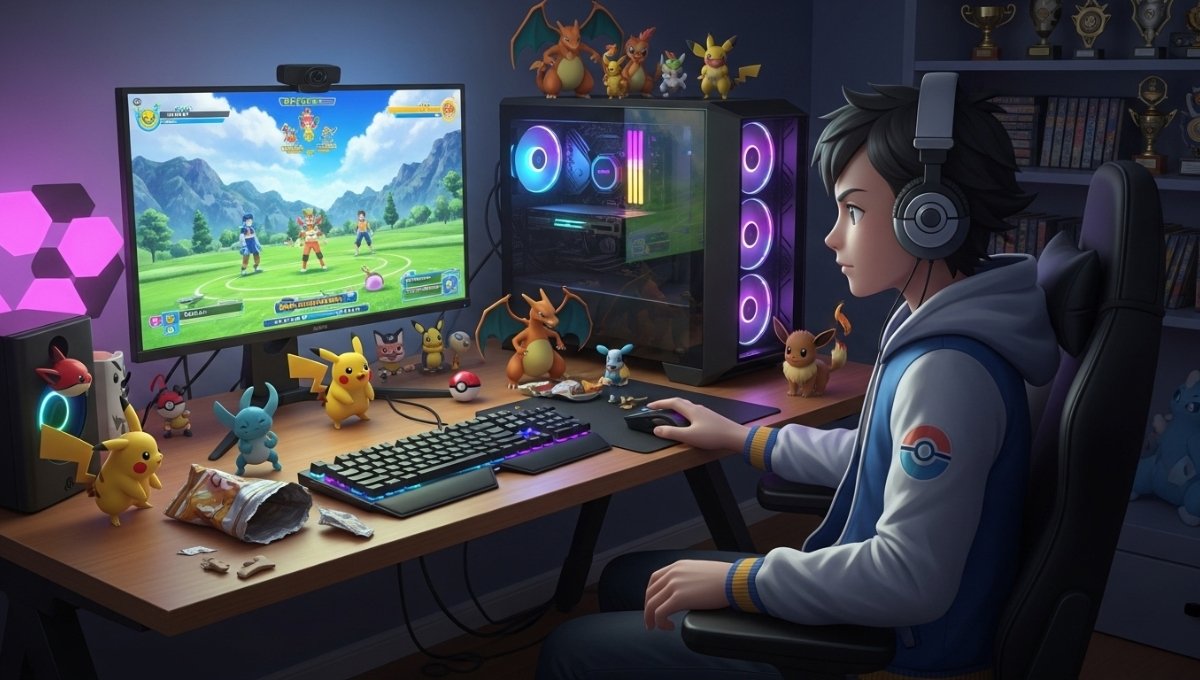
How to Play Pokémon Champions on PC 2026 Guide: You’re not alone if you’re excited about Pokémon Champions and you like playing games on the computer. Many people enjoy the convenience of playing games on a large screen, the game’s controls, and the experience of playing on a PC. Of course, one of the first questions that crops up in one’s mind is whether or not Pokémon Champions can be played on a Windows PC.
Many players find the information offered online confusing as they are seeking answers. Certain websites claim you can play this game on your PC, but there are other websites that say to download the unofficial files or software to play this game. This can sometimes leave fans in a quandary, not knowing what the truth is and what is to be avoided.
Has Pokémon Chronicles got any plans to move to PC?

There is no official PC version of Pokémon Champions yet. The game has been revealed for Nintendo Switch, Android, and iOS mobile platforms. These are the only officially supported platforms at the moment.
Since there’s no Windows version, players can’t just drop by a website, download an installer, and play on their computer. The game doesn’t have an official launcher, setup file or desktop app.
This is a crucial point as a lot of websites will be promoting Pokémon Champions PC downloads. There is no official version, so downloading from unknown sources may lead to users encountering security issues, viruses or software that do not perform the promised functions.
Why So Many Players Want Pokémon Champions on PC
It makes sense to want a PC version. There are some benefits that many players enjoy with PC gaming. Some people might prefer to use a larger monitor, because it makes the games more immersive, and other gamers may prefer to use a controller and keyboard for more comfort during a long game.
Some gamers also enjoy gaming and performing other tasks at the same time. Communication apps, guides, videos and streaming platforms can be easily accessed via a computer. It’s a convenience that makes games appealing to play with a PC, even if they’re created for other devices.
Another reason is performance. With what’s considered a powerful gaming PC, players were curious if Pokémon Champions could play on their systems. However, given these advantages, some players would like to play the game on a larger screen, but simply don’t have access to an official PC release.
Safe Ways to Experience Pokémon Champions on PC
While Pokémon Champions isn’t officially a game for the Windows platform, there are still safe ways to enjoy the game on a computer display.
The most effective way is screen casting or screen mirroring. This enables players to view their mobile device’s screen on a PC monitor while playing the game on the supported smartphone or tablet.
This has several advantages. Players don’t suffer from compatibility problems and are able to get regular updates, because the game is still running on an officially supported device. The gaming experience is true to the developer’s original vision due to the software being executed exactly as planned.
Players can also benefit from a larger screen without the need for unaffiliated software by playing through screen casting. Whether using wireless casting technology or trusted mirroring applications, this method provides a secure and convenient solution for many users.
Screen mirroring may be the least risky choice for gamers seeking a larger screen without the added risks.
Using emulators may not be the best way to go
One solution that is typically suggested when looking for mobile game-playing platforms for PCs is an emulator. These are designed to replicate mobile operating systems on a computer and make it possible to play these apps and games.
But Pokémon Champions isn’t officially supported on emulators. This does not imply that the game will run properly through these programs. Once an emulator has launched the game, players can experience different types of problems. Lag, crashes, graphical glitches or control issues can negatively impact the overall experience.
With delays or unexpected technical issues, competitive battles can be particularly difficult. If you have a minor glitch at the wrong time, it can make a big difference in the game.
The question of reliability, too, is raised. Emulators are not officially backed and may have unexpected compatibility problems in the future. Many players see the negative factors as outweighing the positive. That is why it is advisable to play on official platforms whenever possible.
The Best Way to Enjoy Pokémon Champions
Of all the choices available, the best is to play Pokémon Champions on officially supported devices. Nintendo Switch creates a dedicated gaming experience, with controls designed for Pokémon titles. Mobile devices offer versatility and convenience, enabling players to play the game virtually anywhere.
The developers also provide regular updates and fixes to the official platforms with new features and balance changes. This ensures that players always have access to the most stable and up-to-date version of the game.
Another big benefit is its performance. Optimised for supported devices for the game, decreasing crashes, lag, or compatibility issues. If you are looking for the purest possible environment, it’s best to stick to the official ecosystem.
Could a PC Version Be Released in the Future?
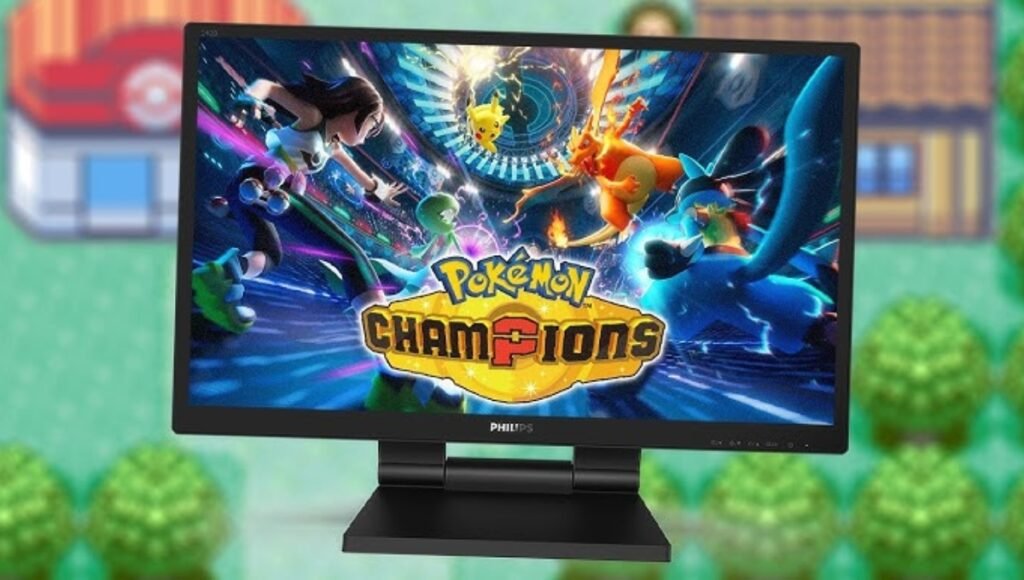
Many fans still hope to see Pokémon Champions make it to PC in the future. The community has much interest in this, but there is no official Windows announcement.
When demand is high, game developers may expand to other platforms after the game’s launch. Until official confirmation, however, players must not assume a PC version is soon to be released.
FAQ
Is it possible to download Pokémon Champions on PC?
As of yet, No. Pokémon Champions has not been released on PC.
Will Pokémon Champions be available on Steam?
No. There is no Steam or official PC gaming platform version of the game.
Is there a possibility to play Pokémon Champions on Windows 11?
At the time, the game had not yet been released in the Windows 11 version.
Which is the safest way to watch Pokémon Champions on a PC screen?
Screen casting or screen mirroring from a supported mobile device is considered one of the safest options.
Are any emulators officially supported?
The Pokémon Champions series won’t be officially supported on emulators
Disclaimer: This article is for informational purposes only. Platform availability and game features may change over time based on official announcements from the developers. Always download games and applications from official sources and avoid unofficial websites that claim to offer unsupported versions. We do not encourage the use of unauthorised software, modifications, or methods that may violate the game’s terms of service.
Also Read:
Best Pokémon in Pokémon Champions: Top Competitive Picks You Should Use
All Available Pokémon in Pokémon Champions 2026: Complete Pokémon List And Availability Guide
Crimson Desert Armor Sets Guide: Best Gear, Upgrades, and Hidden Armor Locations