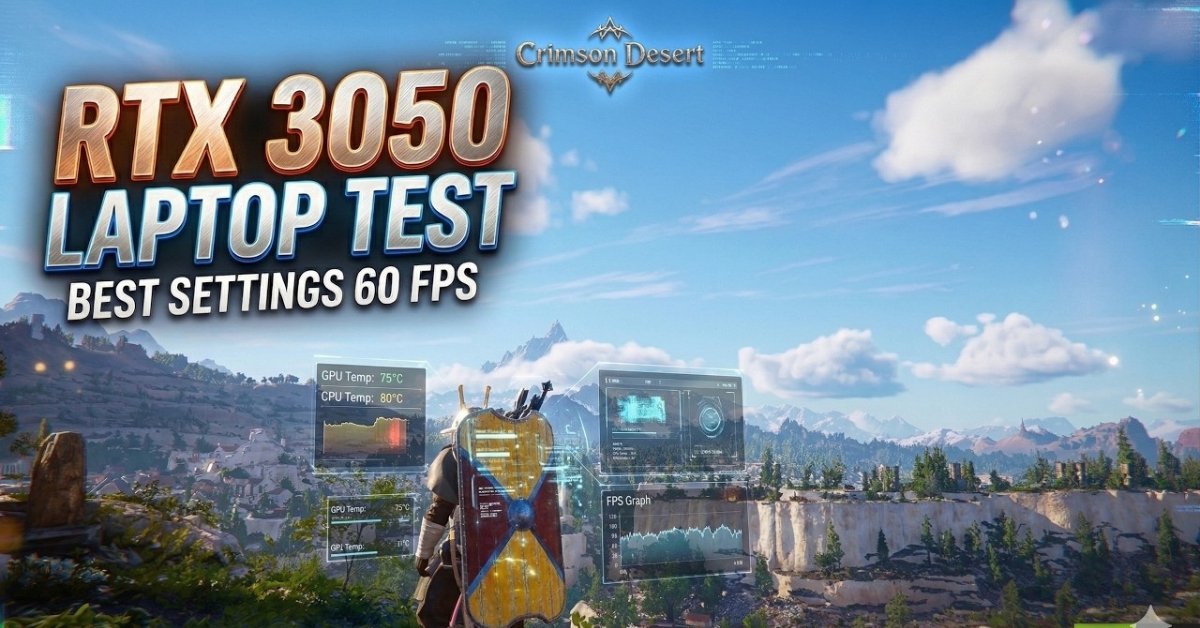
Crimson Desert RTX 3050: If you purchased an entirely new game, only to discover that it is not running smoothly on your laptop, it can be disappointing. If you’re thinking about playing Crimson Desert on an RTX 3050 laptop, you may be wondering if you’ll have to make too many compromises on graphics or if you’ll have to make do.
Thankfully, the answer is yes, but with the right settings. Unlike Unreal Engine 5, Crimson Desert runs on Pearl Abyss’ own Blackspace Engine and is one of the most visually spectacular open-world action RPGs of the company.
Perhaps the game is absolutely gorgeous, but it’s still been optimised suitably that even the more affordable gaming laptops can provide a decent gaming experience with some clever tweaks. This guide covers what you can expect at the FPS, how to optimize graphics performance, any laptop-specific optimisation tips, and whether the RTX 3050 laptop is still viable for this demanding game or not.
Crimson Desert at a Glance
| Feature | Details |
|---|---|
| Game | Crimson Desert |
| Developer | Pearl Abyss |
| Release Date | March 19, 2026 |
| Genre | Open-World Action RPG |
| Graphics API | DirectX 12 |
| Engine | Blackspace Engine |
| Upscaling | NVIDIA DLSS 4.5 & AMD FSR 3.1 |
Crimson Desert utilises a proprietary engine developed by Pearl Abyss – Blackspace – which is also known for its impressive environmental detail and scales well across various levels of hardware.
How good is Crimson Desert on an RTX 3050 Laptop?
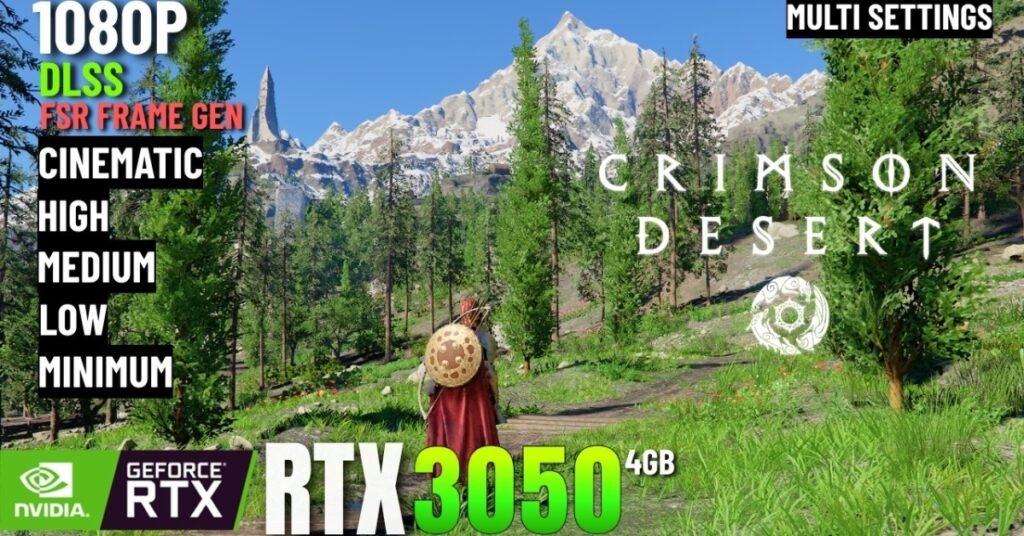
The RTX 3050 is just under the minimum playable level for Crimson Desert. It is not especially made for playing with ultra graphics, but when combined with sensible settings, it can create a smooth gaming experience.
At the highest preset (Cinematic) and native 1080p resolution, you can expect around 25 to 30 frames in the game, which is not ideal for fast-paced combat.
Tuning down some of the more aggressive graphics, however, will make for a drastically different experience, and upscaling can be done with a single switch for that matter. At 45 to 55 FPS at 1080p, most players have a much smoother experience when playing the game, which makes everything from exploration to combat much smoother.
Expected performance:
| Graphics Settings | Resolution | Expected FPS |
|---|---|---|
| Cinematic | 1080p | 25–30 FPS |
| Medium | 1080p | 38–48 FPS |
| Low | 1080p | 45–55 FPS |
| Low + FSR Quality | 1080p | 50–60 FPS |
| Low + FSR | 720p Render / 1080p Output | 60–70 FPS |
Actual results will vary by laptop cooling system, processor, amount of RAM and the power limit of the graphics chip (TDP).
Why Laptop Performance Is Different
Many online benchmarks feature desktop graphics cards with ideal conditions. Unlike gaming PCs, gaming laptops can experience a decline in performance because of:
- While playing for prolonged periods, thermal throttling may come into play.
- Reduced GPU power consumption (TDP)
- When the device is powered on battery, the following features are limited:
- Background processes that are using CPU and RAM.
These factors may cause a loss of 10-20 per cent in system performance when compared to similar desktop systems. Therefore, it is equally essential to optimise your laptop as well as reduce graphics settings.
Best Graphics Settings for RTX 3050 Laptop
The FPS does not necessarily reflect the performance of the software in all settings but in some it can be a huge difference.
High-Impact Settings
Lighting Quality
The number one performance killer in Crimson Desert is lighting. Try to reduce the amount from Cinematic to Medium as it will help you to achieve a better FPS without compromising on the look of the game.
Model Quality
Medium strikes a good balance between visual quality and performance. Downgrading will yield less detail for the environment.
Ray Tracing
Do not activate Ray Tracing. The RTX 3050 is just not up to the task of running smoothly.
Render Resolution
One of the largest performance enhancements that can be made is to make use of FSR to reduce the internal resolution when you’re having trouble with stable FPS.
Settings You Can Leave High
Here are some graphics options that will have minimal effect on frame rate:
- Texture Quality
- Simulation Quality
- Effect Quality
- Post-Processing (High)
Higher these settings will keep the game’s great graphics while not degrading the performance too much.
What to choose between DLSS and FSR?
The RTX 3050 is part of NVIDIA’s RTX series, but it doesn’t fully support the latest AI features of the RTX 40 and RTX 50 series GPUs.
For this reason, it’s recommended to use AMD FSR 3.1 with the RTX 3050 laptop.
FSR Quality Mode offers:
- Enhanced frame rate enhancements.Improved frame rate enhancements.
- Sharper image quality
- High quality results in various scenes
Quality and Balanced modes still function, but not at 1080p when in Performance mode.
Laptop Optimization Tips
These are a few minor adjustments that will make a huge difference in performance, before making any changes to graphics settings.
- Make sure your laptop is plugged in when playing.
- Go into Windows’ Enable High Performance or Enable Ultimate Performance mode.
- Use manufacturer software to go into Turbo or Performance mode on laptop.
- Shut down any unnecessary programs running in the background before starting the game.
- Play in Fullscreen mode instead of Borderless Window.
- If you have a G-Sync or FreeSync compatible display, disable V-Sync.
- Monitor GPU temperatures. If they continue to run above 90° C, a cleaning of the cooling system or cooling pad can help to keep them stable.
Is Crimson Desert Not Good on Low Settings?
Surprisingly, yes. The art direction is one of the most impressive aspects of Crimson Desert. The game manages to maintain a great environmental detail, weather effects and combat animations, even on the lowest setting.
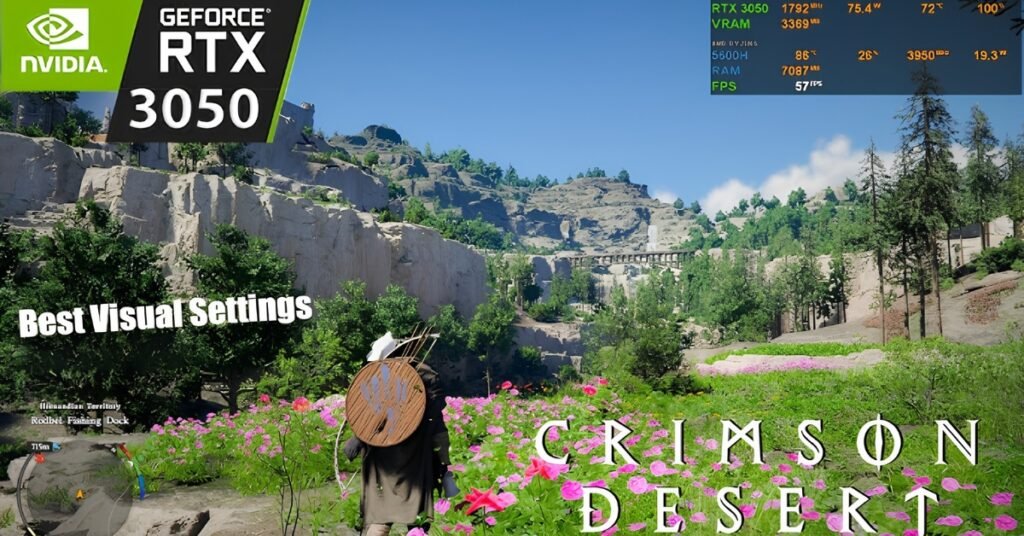
This Blackspace Engine is also scalable, so that the overall atmosphere isn’t affected by using lower graphics presets. That’s much better than some gamers would expect for the RTX 3050 laptop.
Recommended Settings Summary
For the best balance between visuals and performance, use:
| Setting | Recommended |
|---|---|
| Resolution | 1920×1080 |
| Display Mode | Fullscreen |
| Upscaling | FSR 3.1 Quality |
| Lighting | Medium |
| Model Quality | Medium |
| Texture Quality | Cinematic |
| Shadow Quality | Low-Medium |
| Effects | Cinematic |
| Simulation | Cinematic |
| Ray Tracing | Off |
| Ray Reconstruction | Off |
| V-Sync | Off |
This set up should yield around 45-58 frames per second and sometimes dips as low as 40 frames per second in busy outdoor locations.
Frequently Asked Questions (FAQs)
Will the RTX 3050 laptop suit Crimson Desert?
Yes. At Low to Medium graphics settings with FSR 3.1 turned on, the RTX 3050 laptop can run games at 45-55 FPS.
Can the RTX 3050 laptop run Crimson Desert at 60 FPS?
With optimized settings and in lighter areas, 60 FPS are possible. But they can still fall in the mid-40s.
Should I turn on Ray Tracing?
No. Ray Tracing has a significant impact on performance on the RTX 3050 laptop and is not recommended.
Is FSR more superior than DLSS in the case of RTX 3050 Laptop?
FSR 3.1 tends to give better overall performance, and good image quality on RTX 3050 laptops, for Crimson Desert.
What is the minimum amount of RAM needed for Crimson Desert?
The game officially states that it requires 16 GB of RAM. Additional stuttering and slower load of textures may occur on systems with 8 GB of RAM.
Disclaimer: This article has been generated from the performance data and suggestions given in the uploaded source document. The real FPS and gameplay experience may differ depending on the laptop model, GPU power limit, processor, RAM configuration, SSD speed, driver version and thermal performance.
Also Read:
Crimson Desert Player Count 2026: Steam Stats, Sales, Peak Players and Review Trends
Crimson Desert Weapons Guide: Best Weapons, Abyss Gears, Refinement and Top Builds
How to Buy Crimson Desert 2026: All Editions, Prices, Platforms and Pre-Order Bonuses