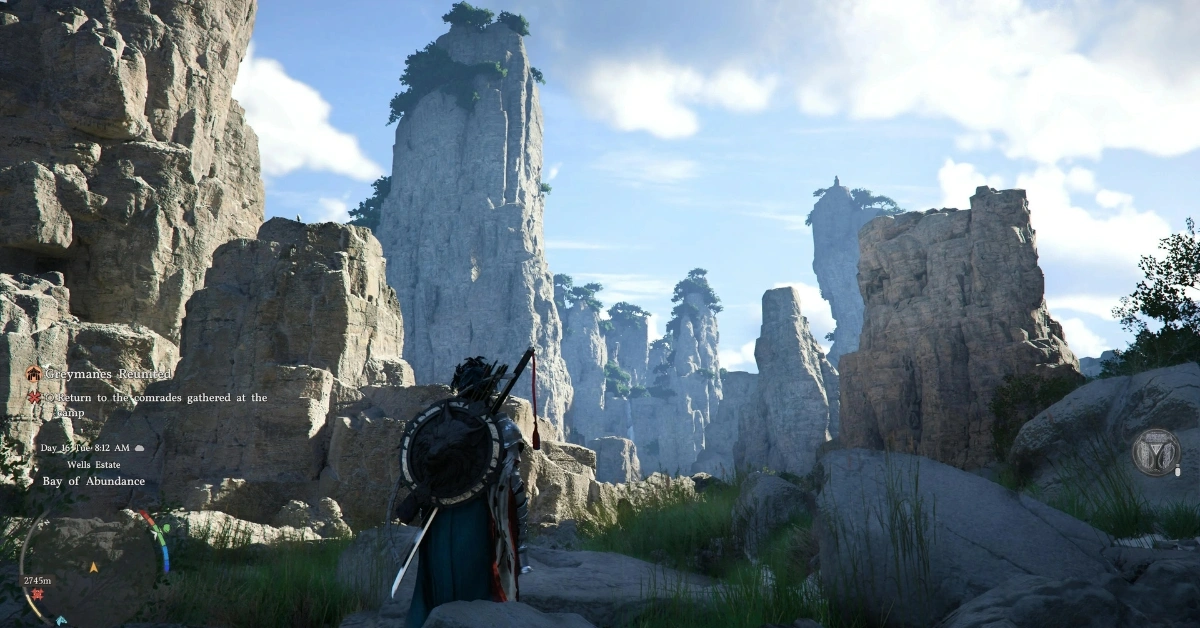
Crimson Desert Console Performance Guide: If you’ve been holding your breath for the console version of Crimson Desert, you’re not alone. Crimson Desert’s beautiful graphics and open world set high expectations. When it finally released however, many people quickly discovered that console play is not just a matter of selecting “best quality” and hitting go.
And the reality is that all console editions have their compromises. There are some that are pretty but slow and others that are fast but blurry. But with the right settings, you can still get a good game. In this article, we’ll explain it all in an easy-to-understand way to help you make the right choice.
Why the Game Runs Slower on Consoles
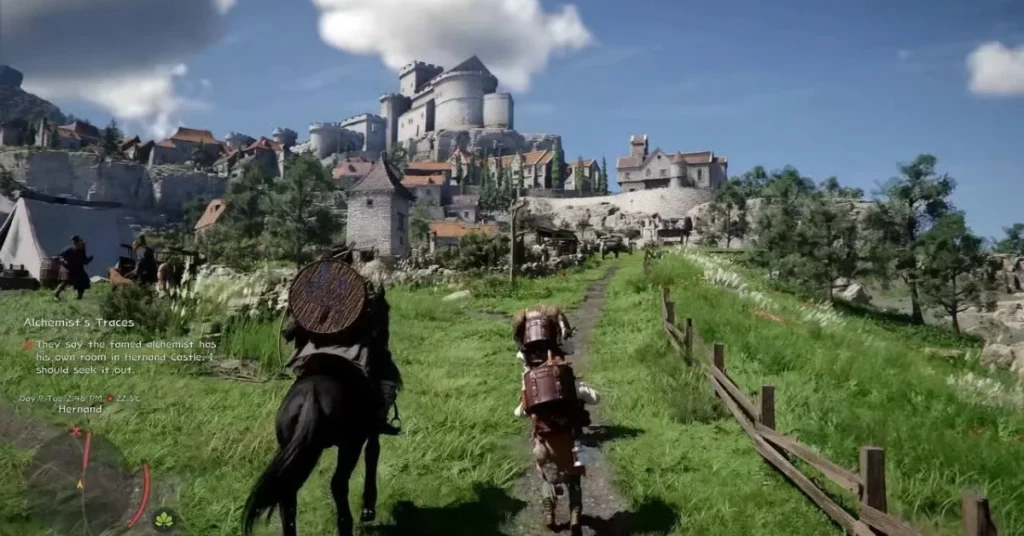
Crimson Desert isn’t your typical open-world game. It is built on Pearl Abyss’s next-generation engine which incorporates real-time lighting, ray tracing and other complicated effects. This makes the game look fantastic, but it also strains the consoles’ hardware.
The biggest problem for all consoles is CPU bottlenecking. This can occur in busy towns, large fights or deep forests. These are the times you’d want smooth gameplay, but it can slow down.
As such, there is no ideal mode. You need to make a choice: is it more important to have smooth gameplay or better-looking graphics?
Graphics Modes Explained
The consoles have different modes, but they all work the same way.
Performance Mode offers increased frame rates (aim for 60fps) but reduced resolution
Balanced Mode strikes a balance between frame rate and visuals
Quality Mode is best for visuals with higher resolution but at 30fps
The Xbox Series S is more basic with lower resolution and no ray tracing.
PS5 Standard: Expectations at Standard
On the base PlayStation 5, it’s more complicated. Performance aims for 60fps at 1080p, but actually, the frame rate can vary. It can be jarring, particularly during more action-packed gameplay.
It can also look somewhat blurry. If you have a VRR monitor, Balanced mode is the most consistent. It operates at 1440p with a target of 40fps and is much smoother than Performance mode. Quality mode offers the best picture with upscaled 4K and 30fps.
If you are into graphics and don’t care about performance, this is the most visually appealing. There is also an important fix. If you have the 120Hz output option enabled in your PS5 settings, this game will look blurry. Disabling it sharpen the image.
PS5 Pro: A Great Improvement
The PlayStation 5 Pro makes big improvements. The PSSR 2 upscaling makes it look sharper and with higher frame rates.
PS5 Pro Performance mode provides nearly 4K quality with 60fps, a significant increase over regular PS5. Balanced mode delivers great visuals and consistent performance, and Quality mode retains the best visuals with native 4K.
We can see very minor frame drops in extreme cases here as well, but this is the best console version overall.
Xbox Series X and Series S Performance
On the Xbox Series X, the performance is similar to base PS5. There are the same three modes, though without PSSR, Performance mode image quality is a bit lower.
The latest updates added 4K upscaling to Performance mode and removed the screen tearing. VRR is highly recommended for gaming.
Xbox Series S is the most limited version. It has lower resolutions and no ray tracing. The gameplay experience is good, but the graphics are not as good as other consoles.
Best Settings for Each Console
The best settings vary based on your system and preference.
- On base PS5, Balanced mode is the best option with VRR
- On PS5 Pro, Performance mode offers the best experience
- For Xbox Series X, Performance mode with 4K upscaling
- On Xbox Series S, Quality mode at 30fps for the best experience
- Turn on VRR if your TV supports it
This helps prevent problems such as screen tearing and frame rate stuttering.
Pros and Cons of Console Performance

Pros
- Impressive graphics with advanced lighting and ray tracing
- Multiple graphics modes allow flexibility
- PS5 Pro is second to none
- Regular updates are improving performance
Cons
- Standard PS5 has erratic 60fps
- All consoles are CPU bottlenecked in complex scenes
- Xbox Series S is severely limited visually
- VRR is nearly essential to gameplay
- Tips for New Users
If you are a beginner, here are some quick tips to make your gameplay better:
- Turn off 120Hz output on PS5 to resolve resolution problems
- Keep your games up-to-date
- Enable VRR on compatible TVs and monitors
- Use Balanced mode, tailor to comfort
- Don’t use Performance mode on the stock PS5 (unless patched and tweaked)
These little tricks can help.
Frequently Asked Questions (FAQ)
Q1. Which console is best for Crimson Desert?
The PS5 Pro is the best in the group with improved graphics and framerates.
Q2. Should I use Performance mode on base PS5?
Not at launch. Balanced mode tends to be more robust and look better.
Q3. Will I even need VRR?
Yes, VRR helps eliminate screen tearing and stutters.
Q4. Why is the game bad in crowded scenes?
Complex environments (such as cities and battles) result in dropped frames due to a weaker CPU.
Q5. Is Xbox Series S version playable?
Yes, with lower settings and no ray tracing than other consoles.
Disclaimer: This article includes performance reports, user feedback, and analysis of Crimson Desert. Developers may release patches and updates that impact performance, graphics quality or other system features. Consult in-game menus and developer announcements for the most up-to-date information.
Also Read:
Crimson Desert Best Weapons Guide 2026: Top Swords, Spears And Locations You Need
Crimson Desert Damiane Guide: Unlock, Story Role And Combat Style