Crimson Desert: After spending time in the amazing land of Crimson Desert and just getting the new objective “Raise your lantern where it resonates”, you’re by no means alone. It is one of the most confusing aspects of the game for new players; there is not much explanation.
Fortunately, the lantern is far more than just a light source. It is essential for finding hidden memories, figuring out how to survive in the environment, activating fast travel shrines, and uncovering the rich history of Pywel. Exploration is a lot more rewarding after you understand the operation.
What Does “Raise Your Lantern Where It Resonates” Actually Mean?
If this is the objective that shows during a quest such as Trial After Trial, it’s requesting you to find a hidden interaction point.
This is how it works:
- Go around the aim area until your lantern starts to emit blue light.
- The more blue the pulse gets, the nearer you are to the right location.
- Once the maximum intensity of the glow is reached, stop moving.
- Use the proper control to hold the lantern up.
- Continue to shoot until interaction or a Memory Fragment is triggered.
The instructions sound enigmatic, but it’s actually a very simple exploration mechanic once you know how the lantern will respond.
Crimson Desert: How to prepare the lantern
Before lighting the lantern, it is necessary to ensure that the lantern is fitted properly. Click the radial equipment and choose the Lantern as your current tool.
The default controls are:
| Platform | Raise Lantern Button |
|---|---|
| PlayStation 5 | L1 |
| Xbox | LB |
| PC | Ctrl |
Other tools such as a shovel or pickaxe are now chosen, and pressing the raise button will not work. This is one of the most frequent errors for PC players.
Understanding the Blue Lantern Glow
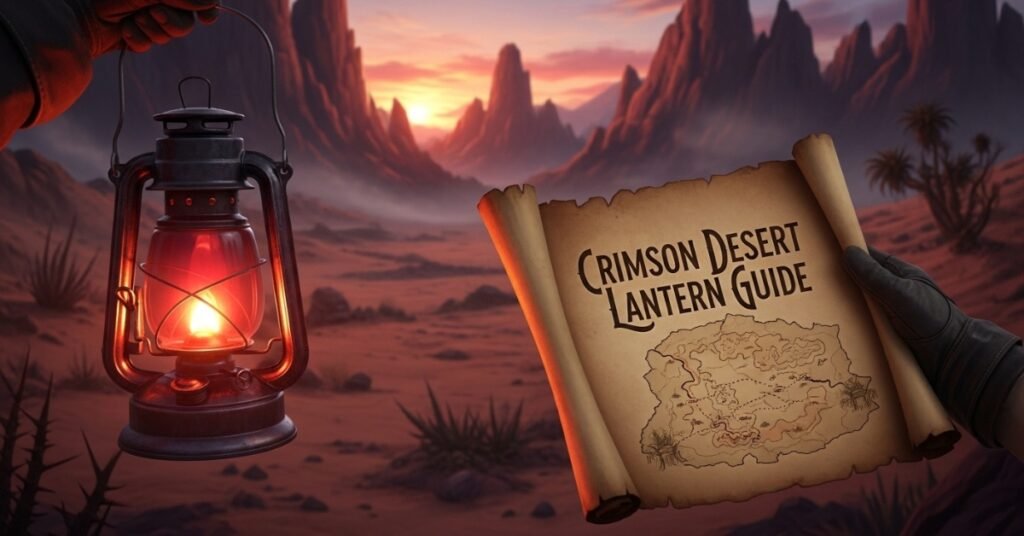
The lantern doesn’t randomly emit light. When it begins to pulse blue, it’s telling you that it’s close to something important.
It most frequently refers to:
- A hidden Memory Fragment
- Story investigation point
- Puzzle interaction
- Fast travel shrine
- Secret environmental clue
Imagine that the lantern is a detector, not a flashlight. The more intense the pulse is, the nearer you are to finding something of value.
How to Read Memory Fragments
After finding the resonance point, the next step is to read the hidden memory. Hold the lantern up and carefully survey the surroundings.
Eventually, red and blue ghost-like shapes will be seen floating around. Hold the lantern level and make it your point of aim directly on them.
A Learning in Progress bar will start to fill. Do not move until the bar is at 100%. When finished, you will be given the choice to watch the memory.
The Visione Helmet Explained
Learning a Memory Fragment is not the end goal. The Visione helmet is required to see the memory. The Visione is available in the Where the Light Leads quest in Chapter 2.
Equipping has been streamlined with recent updates, once it was required to be done manually after learning a Memory Fragment, this is now automatic.
Where the Lantern Is Used Throughout the Game
While the lantern is mainly found in story missions, it can be used for several significant purposes in Crimson Desert.
A few large applications are:
- Discovering hidden Memory Fragments
- This is where you activate fast travel points to Abyss Nexus. It is the place to activate fast travel points to Abyss Nexus.
- Solving environmental puzzles
- Revealing hidden symbols
- Investigating story locations
- The journey to uncovering hidden lore around Pywel
Due to its significance, advanced players suggest that the lantern should be carried with them whenever in new regions.
Crimson Desert: Trial After Trial Quest Solution
Many players become stuck during the Trial After Trial quest. Once the enemies inside the camp have been defeated, do not waste time standing in the middle and picking around to find them.
Instead:
Move towards the biggest dead cow within the camp. Hold your lantern close to you. You will hear a partially intelligible discussion starting.
Maintain the light of your lantern until the Learning Bar has been completed. Now view the Memory Fragment in the Visione.
Common Problems and Their Solutions
However, sometimes the lantern will not function properly.
The most frequent problems are:
| Problem | Solution |
|---|
| Lantern won’t resonate | Walk slowly until the blue pulse becomes stronger |
| Wrong tool activates | Re-select the lantern from the radial menu |
| Learning bar doesn’t appear | Find the floating blue memory echoes |
| Prompt never appears | Check whether your game is updated and the Visione is unlocked |
| No blue glow anywhere | Ensure you’re inside the correct quest area |
Crimson Desert: Helpful Tips for Faster Exploration
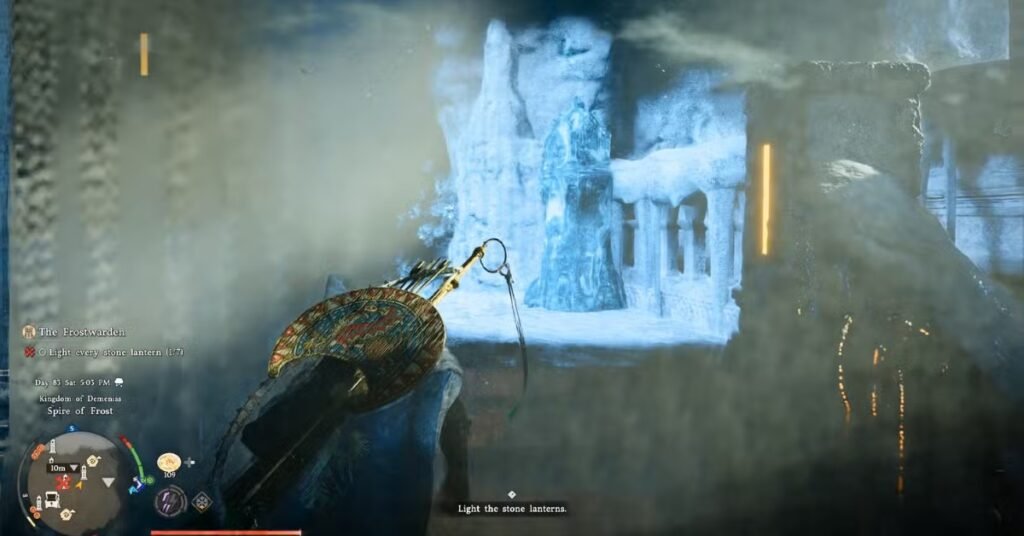
- Always keep the lantern equipped while exploring.
- Stop immediately whenever the lantern glows blue.
- Slowly rotate your camera in every direction.
- Use Blinding Flash to scan large areas more efficiently.
- Search every dark ruin carefully, as hidden symbols often appear only under lantern light.
Frequently asked questions (FAQs)
Raise Your Lantern Where It Resonates” is what?
It refers to standing over your lantern that emits blue light and raising it until the interaction or Memory Fragment occurs.
Why is my lantern not glowing blue?
You might not be in the right objective area, or there may not be an available Memory Fragment near you.
How to turn up the lantern when using PC?
After equipping the lantern from the radial menu, press Ctrl.
What is the Visione helmet used for?
Once learned with the lantern, you can see Memory Fragments with the Visione.
May I use the lantern to rapidly travel?
Yes. Some Abyss Nexus shrines need to be lit by the lantern to be triggered.
What causes the blue lantern pulse?
The blue pulse shows you that there are Memory Fragments, hidden story events, puzzles or other interactive spots nearby.
Disclaimer: The information and gameplay mechanics for Crimson Desert as they are at the time of this writing are used as a basis for this article. Controls, quest steps and features are not guaranteed to remain the same in future updates or patches. Be sure to check the most recent in-game tutorials and patch notes for the most accurate and up-to-date information.
Also Read:
Crimson Desert Patch 1.01.00 Update: New Mounts And Fixes
Pokémon Champions New Abilities Explained: Mega Sol and Dragonite
Crimson Desert Best Armour Guide: Best Early, Mid and Endgame Armor Sets