If you’re on the fence about Pokémon Champions but prefer playing games on a PC, you’re not alone. Players appreciate the convenience of a bigger screen, keyboard control and strong hardware. Of course, it’s easy to look for a PC version of the game.
But you will soon find a lot of contradictory information on the web. Some sites list Pokémon Champions for Windows as downloadable, and others say it’s not. This can be confusing, particularly if you’re searching for a safe and dependable method to play.
Is Pokémon Champions Available on PC?
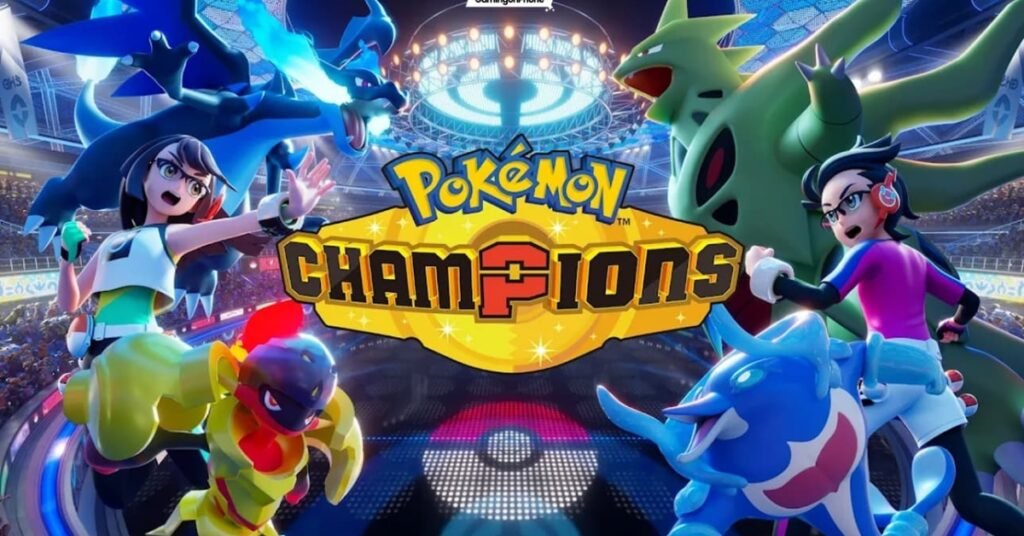
At the moment, the answer is no. The developers have officially announced the upcoming Pokémon Champions for Nintendo Switch, Android, and iOS. There has been no confirmation of a Windows or macOS version.
As a result of this, there is no official installer, launcher or download file for PC users. While searching the web, you might stumble across websites that offer to provide Pokémon Champions for PC. Remember that these downloads are not official from the game’s developers and should be used with caution.
Installing software from untrusted sites can expose your computer to:
- Malware or viruses
- Fake installers
- Data theft
- Security risks
There are also unofficial versions of the game that can be problematic with performance, bugs, and compatibility, since the game is optimised for Nintendo Switch and mobile devices.
For the safest, it’s always best practice to stick to officially supported platforms.
Safe Ways to Enjoy Pokémon Champions on a PC
There isn’t a native version of Pokémon Champions for PC, but you can still play Pokémon Champions on a larger display safely and legally.
- Screen Casting
Most easily, you can mirror your Android or iPhone screen to the computer.
With this method:
- The game continues running on your mobile device.
- The game itself is played on your PC!
- All is officially calm.
- Your account remains secure.
This is still a safe choice as you play the game on a supported platform, but with the advantage of a larger screen.
- Official Device Connectivity
On Nintendo Switch, it can be played on TV or monitor via the dedicated docking system. This is not per se PC gaming, but it provides a bigger screen and retains the same gameplay.
- Remote Display Solutions
There are some official mobile management software that enable its users to check and manage their mobiles from a computer. This is a safe method to play Pokémon Champions without doing any changes to the game itself, provided the application is trusted and officially endorsed.
Why Using an Emulator Isn’t Recommended
When you’re playing a game that’s not available on PC, many players will immediately think of Android emulators.
Although some Android applications can be run using emulators, emulators aren’t officially supported for Pokémon Champions.
There are a number of reasons not to do this.
Performance Problems
If the game does open, you could encounter:
- Lag during battles
- Random crashes
- Control issues
- Lower frame rates
- Compatibility errors
Faster reaction time is important in Pokémon battles, and rapid performance fluctuations can have a major impact on the game.
Security Risks
In some emulators, you will need unofficial APK files, which can be downloaded from sites other than the Google Play Store. These files can have harmful software or altered game clients that might affect your device or personal details.
Account Safety
There may be future problems with login or compatibility if unsupported software is used. In all cases, it’s better to stick with the official methods.
Best Way to Play Pokémon Champions
Once you’ve done all the comparisons, it’s not hard to conclude. For the best experience, play Pokémon Champions at its original place.
Nintendo Switch
The Switch offers:
- Optimized controls
- Smooth gameplay
- Official updates
- Excellent performance
Android and iOS
Modern smartphones also offer a great experience with:
- A touchscreen control for the game.
- Fast updates
- Full compatibility
- Official support
For those who just want to see the game on a bigger screen, Screen casting offers the ability to play the game without sacrificing security or performance while playing it on the PC monitor.
Tips for Staying Safe
When looking for Pokémon Champions downloads, remember the following basic tips:
- Only download the game from official app stores or Nintendo services.
- Avoid websites that present unapproved Windows installers.
- Do not use modified APK files and cracked versions.
- Stay up to date on your game from official sources.
- Do not give account information to third-party tools.
These simple practices will keep your device safe, and your game account safe, too.
Will Pokémon Champions make it to PC?
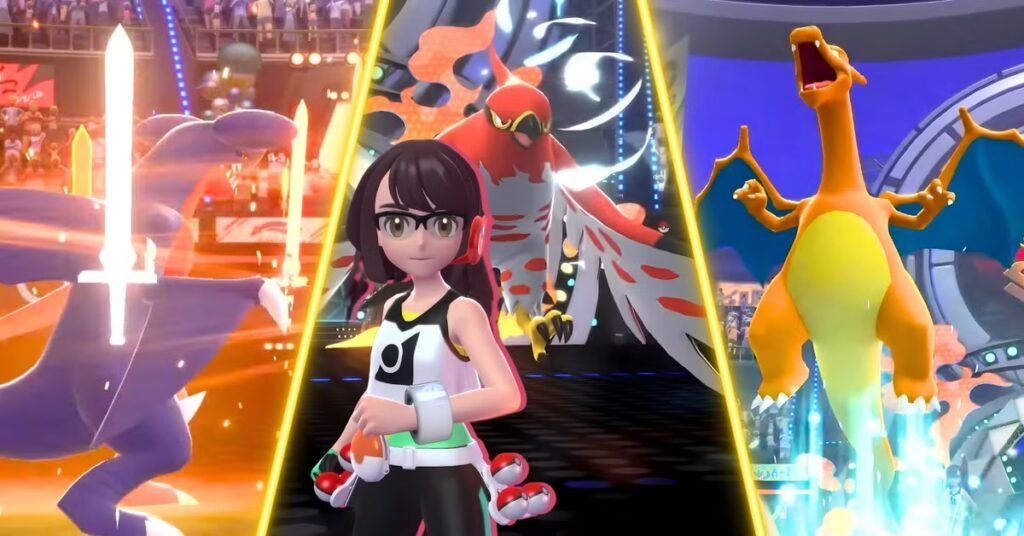
As of this writing, an official announcement for a specific PC version has not been made. This doesn’t mean that it won’t ever happen again. Sometimes, based on community demand, game developers expand to other platforms.
As of yet, it’s never safe to count on rumours or unverifiable download sites that profess to offer a PC version of the game. The best way to know of any platform releases is to keep up to date with official Pokémon news.
Frequently Asked Questions (FAQs)
Can I officially play Pokémon Champions on PC?
No. Pokémon Champions is only available on Nintendo Switch, Android and iOS. No official windows/mac version.
Is there an official Pokémon Champions PC download?
No. If a site is supposed to give you an official PC installer, you should take it with a grain of salt, as this is not an official installer.
Can I use an emulator to play Pokémon Champions?
Yes, but you have to be careful. Yes, but there are some factors to consider.
How to play Pokémon Champions on PC screen safely?
At this time the best and only safe, reliable way to do this is to screen cast or mirror your mobile device to your PC.
What platform is the most enjoyable to play on?
These are compatible with the Nintendo Switch, and supported Android or iOS devices for best performance, official updates and compatibility.
Will the PC version of Pokémon Champions be available in the future?
No official announcement of a PC release. Players are advised to follow official announcements of Pokémon for further updates.
Disclaimer: This article is based on officially available information at the time of writing. Platform availability, supported devices, and game features may change through future updates or official announcements. Always download Pokémon Champions from official sources and avoid unofficial installers, modified applications, or third-party downloads that may pose security risks
Also Read:
Best Mega Gengar Team in Pokémon Champions: Ultimate Competitive Team Guide
Pokémon Champions PC: Is It Available on Windows, PC Release, Emulator And System Requirements
Crimson Desert Abyss Artifacts Farm Guide: Best Farming Methods